Tags:#ai-coding#git#workflow
Use Git Well with AI Coding

By Archie Cowan
Prototype Developer for AWS global and strategic customers, former ITHAKA/JSTOR Chief Architect. Generative AI builder. Aspiring to do everything.
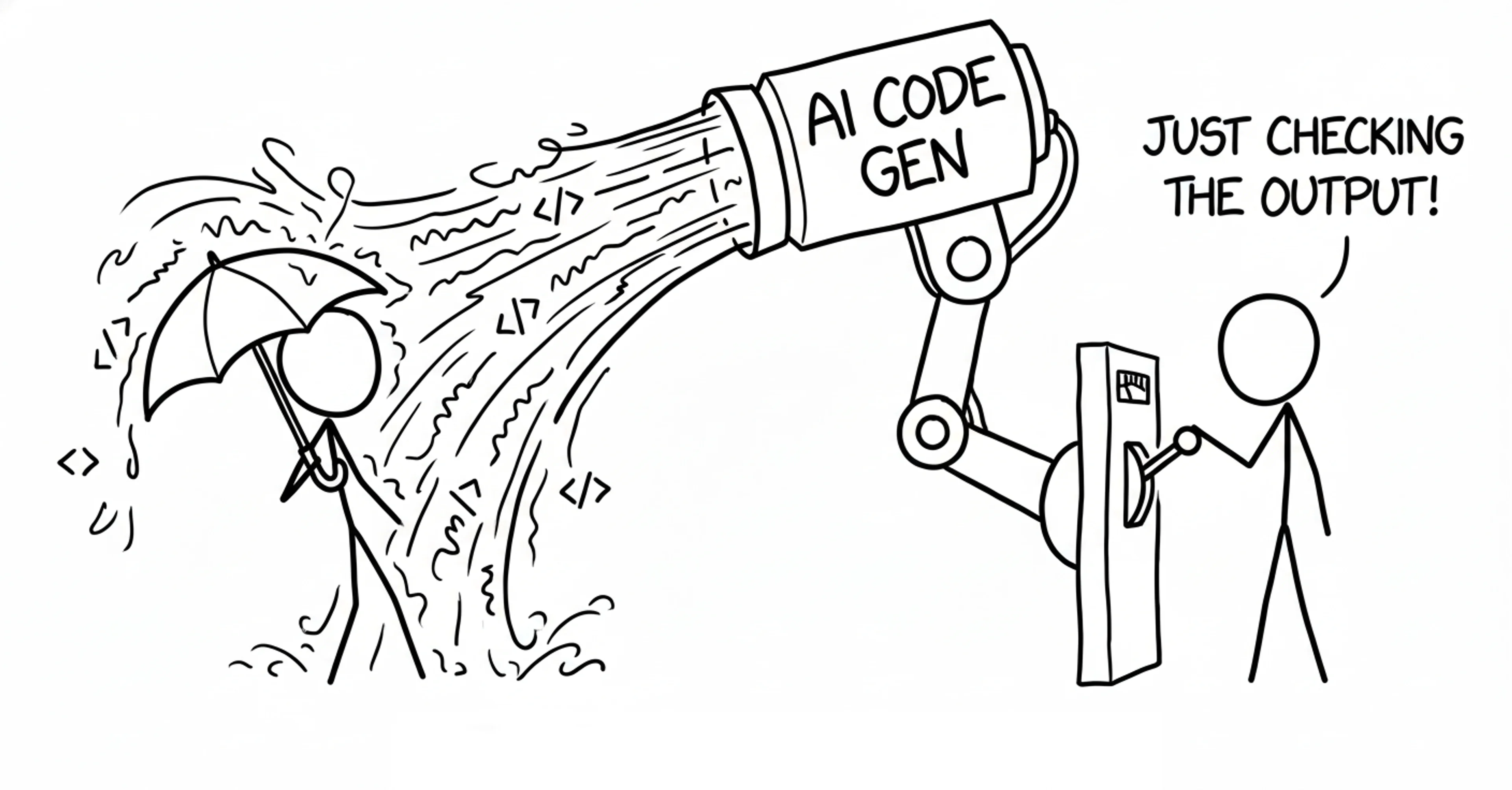
There's a skill that I lean on more than prompt engineering when I code with AI. It is git.
I know, I know. You probably think you already know git well enough. You can commit, push, pull, maybe even rebase when you're feeling fancy. You may not learn anything new about git here. But here's the thing nobody tells you about AI coding: when an assistant is writing most of your code, git is your lifeline for knowing what is changing.
Here's what I realized after months of letting AI assistants loose on my codebase: working with AI is like working with a team of productive engineers who commit 200 times per week.
I spent most of my career on teams that released to production 100-200 times per week. You know what made that possible? Rock-solid git workflows. Code review processes. The ability to quickly understand what changed and why.
This was at a company doing continuous deployment before it was trendy. We had automated everything, but the human review process was still the critical piece. Every change had to be understood by someone other than the author. Also, we all carried pagers and were on call for our own apps. Would you carry a pager for AI code you're generating today?
Lately, I'm working solo with an AI assistant most of the time, and suddenly I need all those same team-scale practices. Because keeping your mental model aligned with code you didn't write yourself is the hardest part.
When you write code, you know every decision, every tradeoff, every "I'll fix this later" comment. But when an AI generates 200 lines of TypeScript that looks right but feels foreign? You're flying blind.
Git becomes your quantum undo button for your repository.
Not just for mistakes—though there will be plenty—but for understanding. Branching gives you multiple states to experiment with. Diffs show you exactly what changed. History tells you what was working before the AI got creative.
The tactics that work for high-velocity teams become essential even when you're working alone with an assistant.
Before this workflow:
I'd let AI make changes, and then stare at the output trying to understand what just happened. The code compiled. The tests passed. But if a customer asked me how the authentication flow worked, I'd have to say "I don't know" about something I supposedly created.
Thankfully, I haven't put myself in this position yet but I had a few close calls. There were times that I've decided that I wasn't going to know how something worked though and was clear about this with my customer to help them feel more comfortable taking the AI reigns and learning to write front-end code for the first time.
That's not acceptable. I never wanted to be the developer who couldn't explain their own codebase.
I adopted a review process:
Just like I would working with a team before AI took over my normal grind. Every change gets reviewed. Every diff gets understood. If I can't explain why the code does what it does, it doesn't ship.
Reading isn't enough:
I'm testing whether this is what I would actually do or not. Does this match my mental model? Would I have made this choice? Would I carry a pager to support this code? Sometimes the AI generates something clever that I wouldn't have thought of—great, I learned something. Other times it generates something that looks clever but misses the point entirely.
I intervene:
Feedback. Additional context. Sometimes I take a step back entirely if things aren't going well. Here's what I learned the hard way: bad output creates more bad context that will pollute the next step. The AI builds on what came before, so if you let garbage through, you're compounding the problem.
Git makes this review process actually work.
git diff shows me exactly what changed. git checkout lets me reject changes that don't make sense. git commit with a meaningful message forces me to articulate what I'm accepting and why.I'm not just managing code anymore. I'm managing a conversation with a very productive colleague who sometimes needs course correction.
Next time you start an AI coding session, implement this review workflow. Watch how much more confident you become about the code you're shipping.
Your specific first steps:
1. Start with a clean slate
- Ensure you're on
mainwith your stable, working code. git checkout -b ai-experiment-feature-namefor every AI session.- This gives you a safe space to let the AI experiment.
2. Take advantage of staging to review before commit
- After the AI makes changes:
git diffto see exactly what changed. - Stage changes with
git addwith each turn in the conversation.
To be clear, this is before you make your commit. Now you can see if anything backtracked on files you've reviewed already before your complete commit is done.
git diffwill show you changes you haven't staged yet.- Use
git diff --stagedto review only what you've added to the commit so far
This two-phase review process is crucial: first see all changes, then keep a bookmark on what changes you've accepted.
Ask yourself for each staged change: "Would I have made this choice? Can I explain why this works?" If you need to back up and try again you have two levels to go back to.
git checkout <file>to revert a file back to the staged state.git restore --staged <path>to unstage files completely.
3. Commit with intention
- Write meaningful commit messages that explain the "why," not just the "what"
- If you can't articulate why the change makes sense, don't commit it yet
- Consider: what would you want to see in the history six months from now?
4. Course correct when needed
git restore --staged <file>to unstage changes you're not ready forgit checkout <file>to revert a file back to the last committed stategit checkout mainto bail out entirely if things go sideways
5. Clean up before sharing
- Use
git rebase -ito collapse incremental commits into logical units - But be careful—rewriting history can delete your changes if you're not careful
- Only rebase before you
git pushand share with others
Treat every AI-generated change like a pull request from a colleague. Review it. Understand it.
You're never a solo dev anymore with AI. You're leading a team toward a goal.
Know someone getting started with git and AI development? Please share this with them.
© 2025 Archie Cowan